First, identify your model and filament
Find the manual and check the supported material, filament diameter and power supply. A filament fitting into the pen does not make it compatible. 3Doodler's FAQs describe proprietary materials for different models; they do not establish what our pen uses.
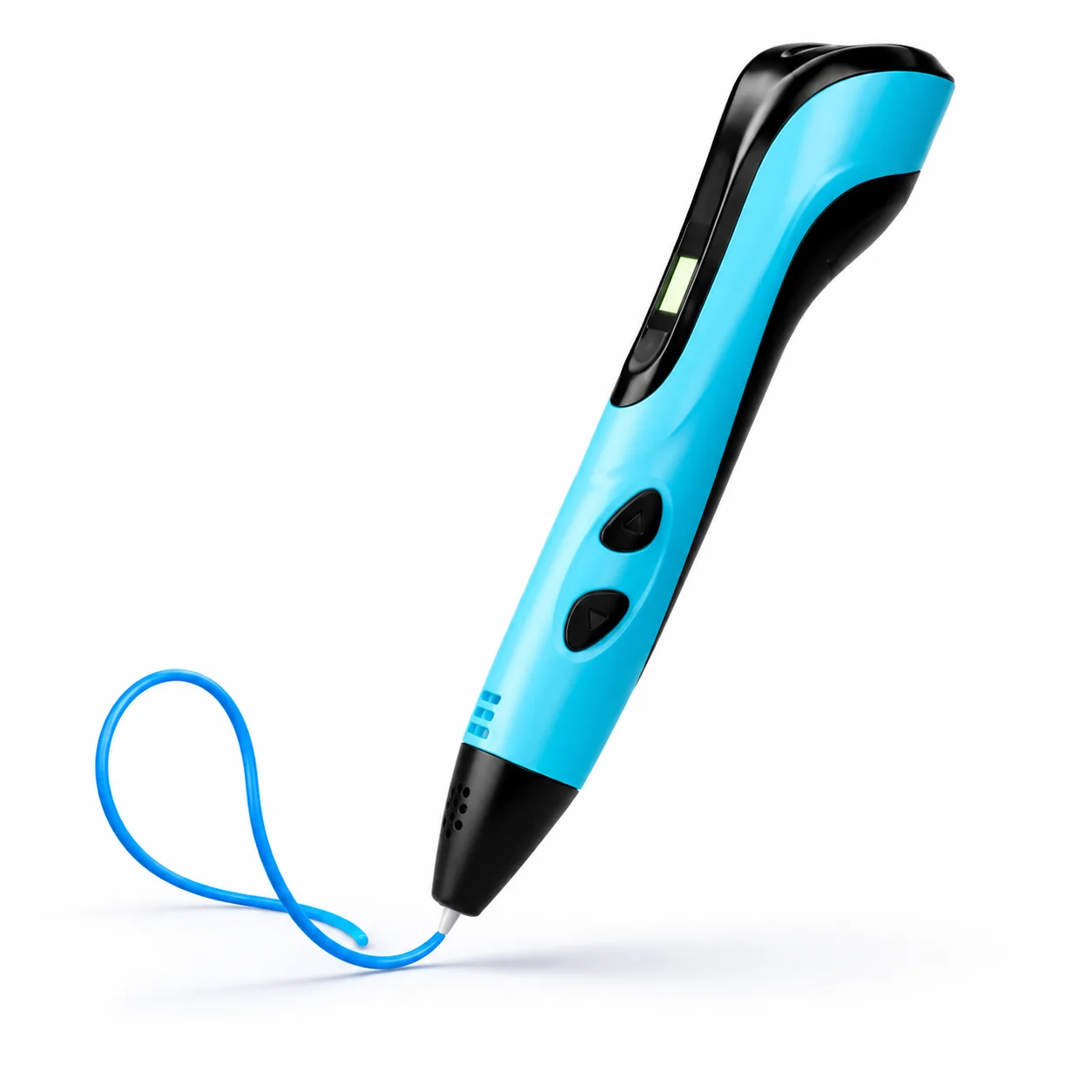
Check the precautions, work surface and manufacturer's age guidance. Temperature, power supply and age suitability are still unconfirmed for NÓVA's blue reference pen.
Practise a flat outline
Prepare the surface specified in your manual. Load and start the pen in the order given for your unit; don't guess warm-up times. Draw a small outline, pause and watch how the material flows.
Repeat the outline with a steady movement before trying to lift a line off the surface. A simple first piece helps you refine your technique without wasting much material.
Join, check and finish
If the manufacturer's procedure allows it, join small pieces to build a three-dimensional shape. Never force the filament or touch the nozzle to check whether it's ready. If it jams, stop and follow your manual.
When finished, stop extrusion, remove material if instructed and switch off as directed. This guide outlines preparation; it does not replace your model's manual.
Sources and scope.
3Doodler · materials and model FAQs ↗A different manufacturer: explains why materials depend on the model; it does not certify the NÓVA pen.
The catalogue does not confirm compatibility or specifications. Always follow the actual model's instructions.