A wall and control of the light
Choose a light-coloured surface without pronounced texture. Find a position where people won't keep walking in front of the projector. Reduce light falling onto the projection area.
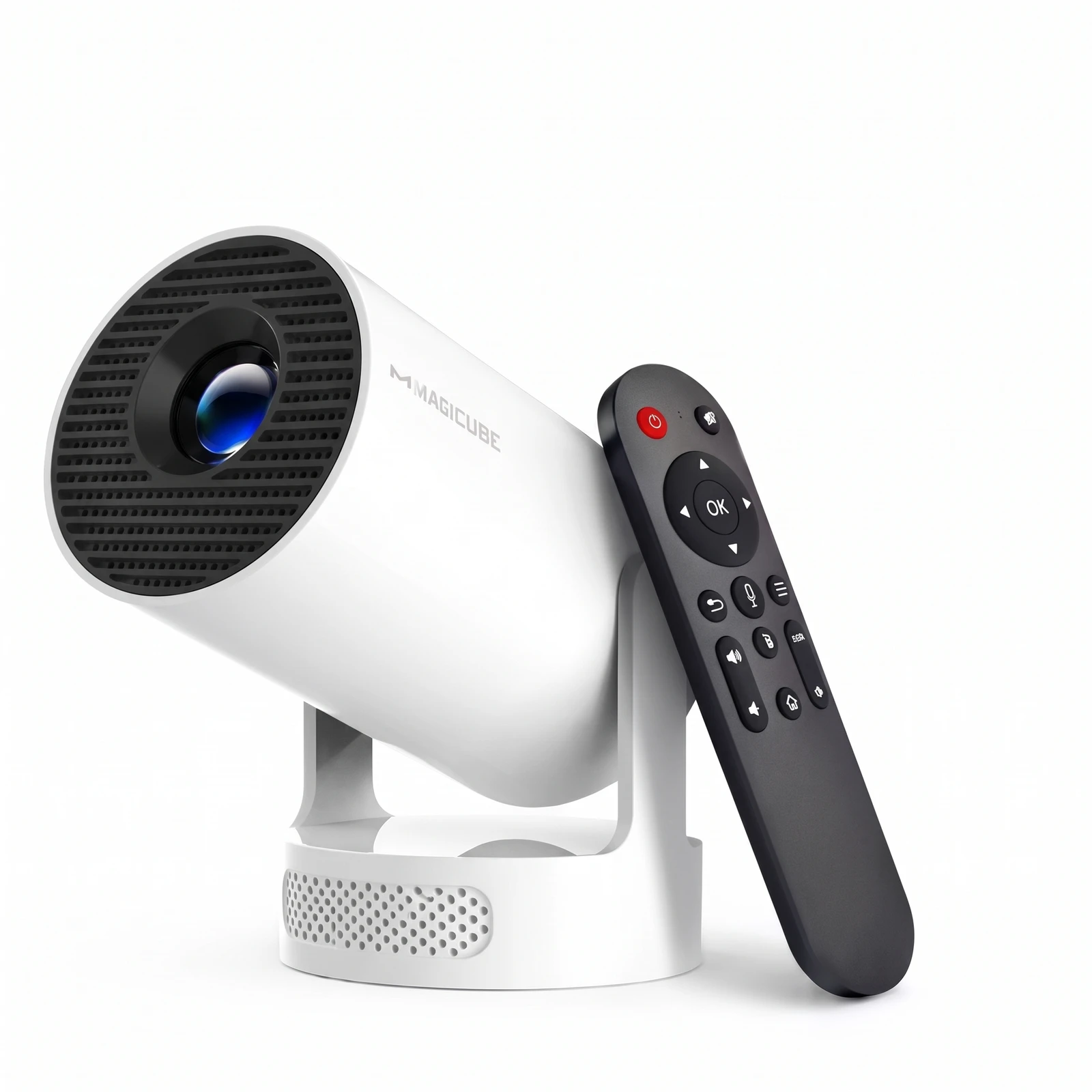
The manufacturer recommends darkness for the HY300Pro. That isn't a promise of television-equivalent performance. Check how it looks in your own room.
Take stock before buying accessories
Check your video source, the inputs confirmed by the manual and how you'll play sound. Write down what's actually missing and budget only for that.
Don't buy a cable just because its connector has the right shape. Check video transmission and compatibility on both devices. An external speaker is neither essential nor automatically compatible.
Try the setup and set a spending limit
Run a short session with your own content. Focus the picture and test subtitles and sound from your seat. Finding a reflection or a short cable before movie night helps you avoid buying the wrong fix.
Budget for the whole setup: equipment, necessary accessories and final terms. The projector's retail price is not yet confirmed; preview cart amounts are neither an offer nor a real quotation.
Sources and scope.
Magcubic · HY320Pro vs HY300Pro ↗The manufacturer's guidance on dark rooms for the HY300Pro; not an independent measurement.
Magcubic · official H726 listing ↗H726 reference: it does not establish which revision NÓVA will supply.
The catalogue does not confirm compatibility or specifications. Always follow the actual model's instructions.