Identify your revision before following a tutorial
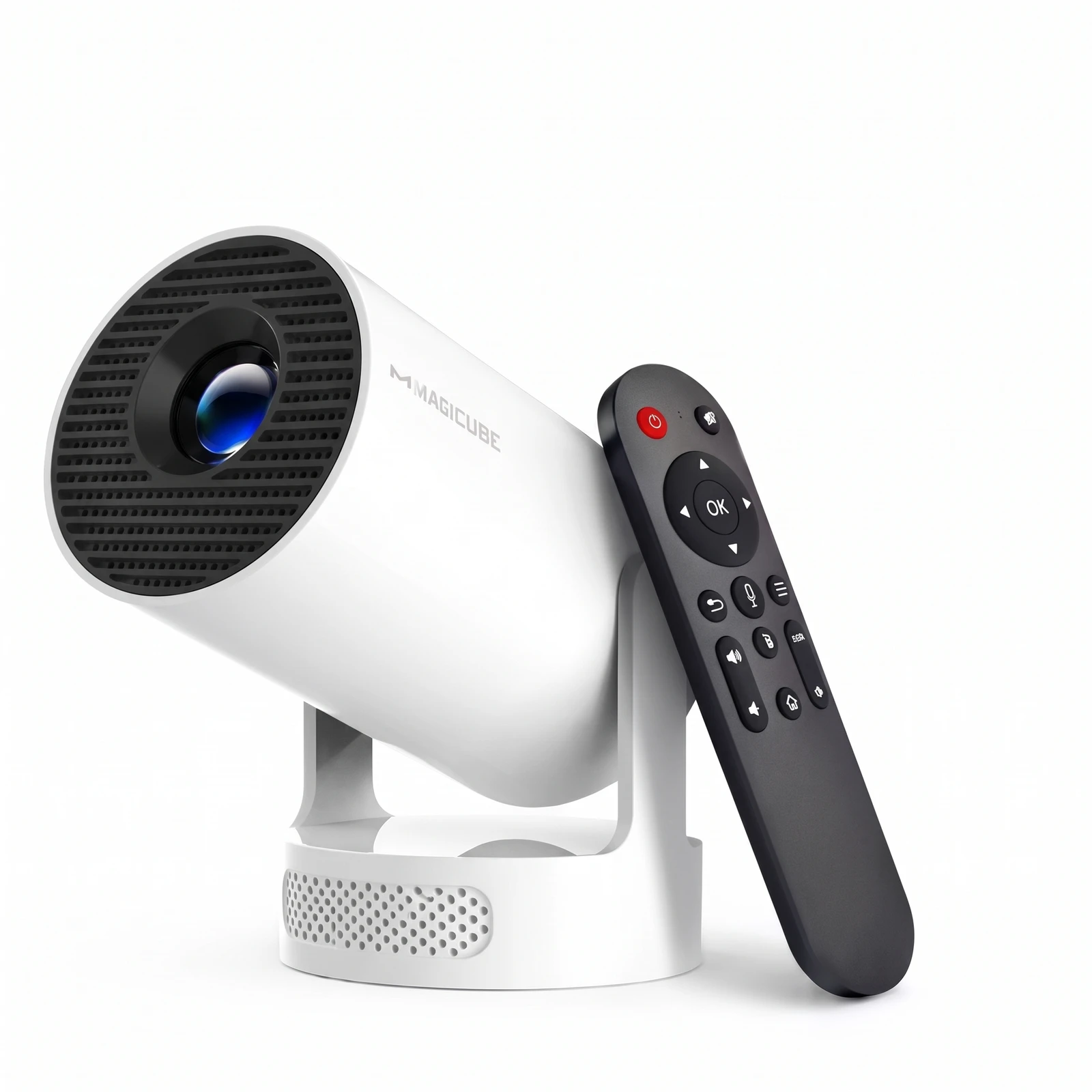
Note the model, batch, firmware and actual ports. Current official HY300Pro sources describe Android 14, but listings still differ. Don't infer the operating system from an old video or the housing's shape.
The NÓVA SKU has not been identified yet. This guide is therefore a checklist, without menu names or app promises that might not apply to your unit.
Try a simple picture first
Place the unit on a stable base, leave ventilation areas clear and use the specified power adapter. Prepare a light-coloured surface and reduce ambient light.
Use your own content that you can legitimately play through a confirmed input. Adjust position and focus as the manual directs, checking the centre and edges before starting a movie. Geometric correction and autofocus are different functions.
Check sound and streaming separately
Test the audio. An external speaker needs an output or wireless profile confirmed for that revision. Don't assume Bluetooth support just because another listing mentions it.
For streaming services, check app requirements, playback support and device restrictions. Android alone does not guarantee certification or that every service will work. Confirm ports and supported signals before buying accessories.
Sources and scope.
Magcubic · current HY300Pro ↗Manufacturer reference; the NÓVA SKU is unconfirmed and some listings contradict each other.
Magcubic · official H726 listing ↗H726 reference: it does not establish which revision NÓVA will supply.
The catalogue does not confirm compatibility or specifications. Always follow the actual model's instructions.